Download speed
How fast data reaches you — streaming, browsing and app updates. Measured in Mbps.
Test your current internet speed in one click. See the 6 metrics that shape your internet experience: download, upload, ping, latency under load, jitter and packet loss.
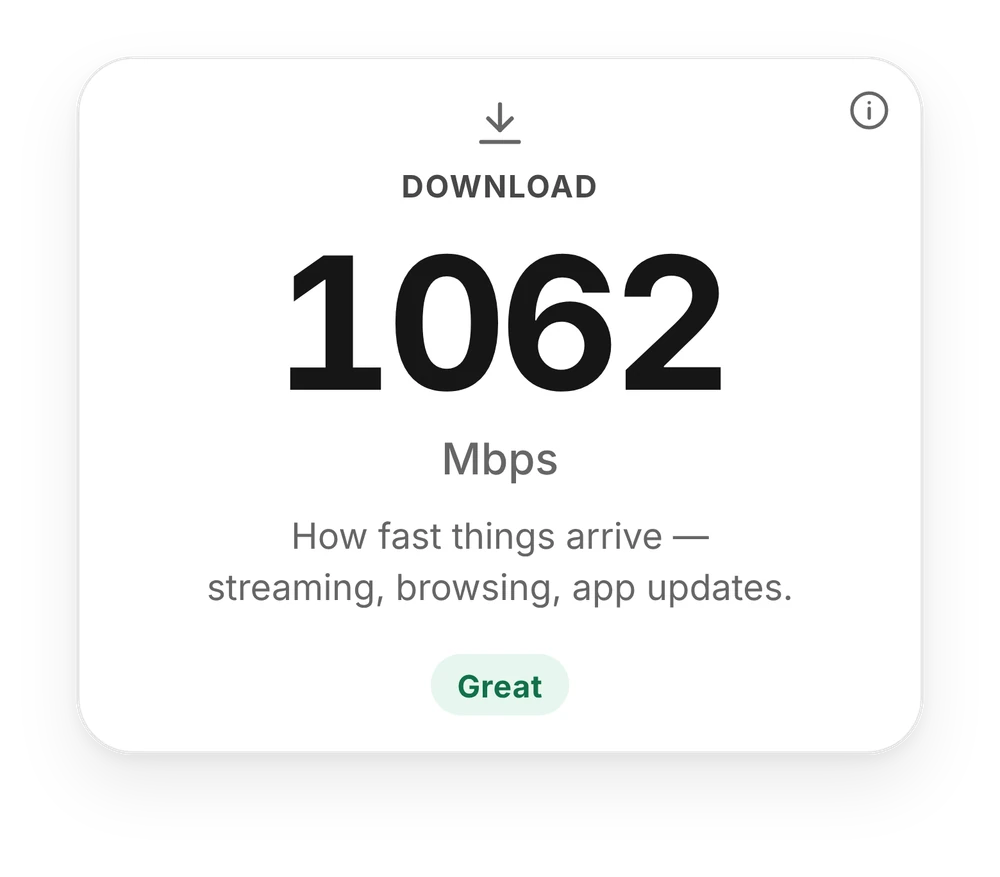
Download
How fast things arrive — streaming, browsing, app updates.
Upload
How fast things leave — video calls, sending photos, backups.
Ping
Reaction time when the line is quiet. Lower is better.
Latency under load
Reaction time while downloading or uploading. The “busy house” test.
Jitter
How steady your ping is. Steady beats fast for calls.
Packet loss
Share of packets that never arrive. Should be 0.
Most speed tests bury you in charts. We show the six measurements that actually decide whether your video call stays smooth and your game stays responsive — and we tell you what they mean.
How fast data reaches you — streaming, browsing and app updates. Measured in Mbps.
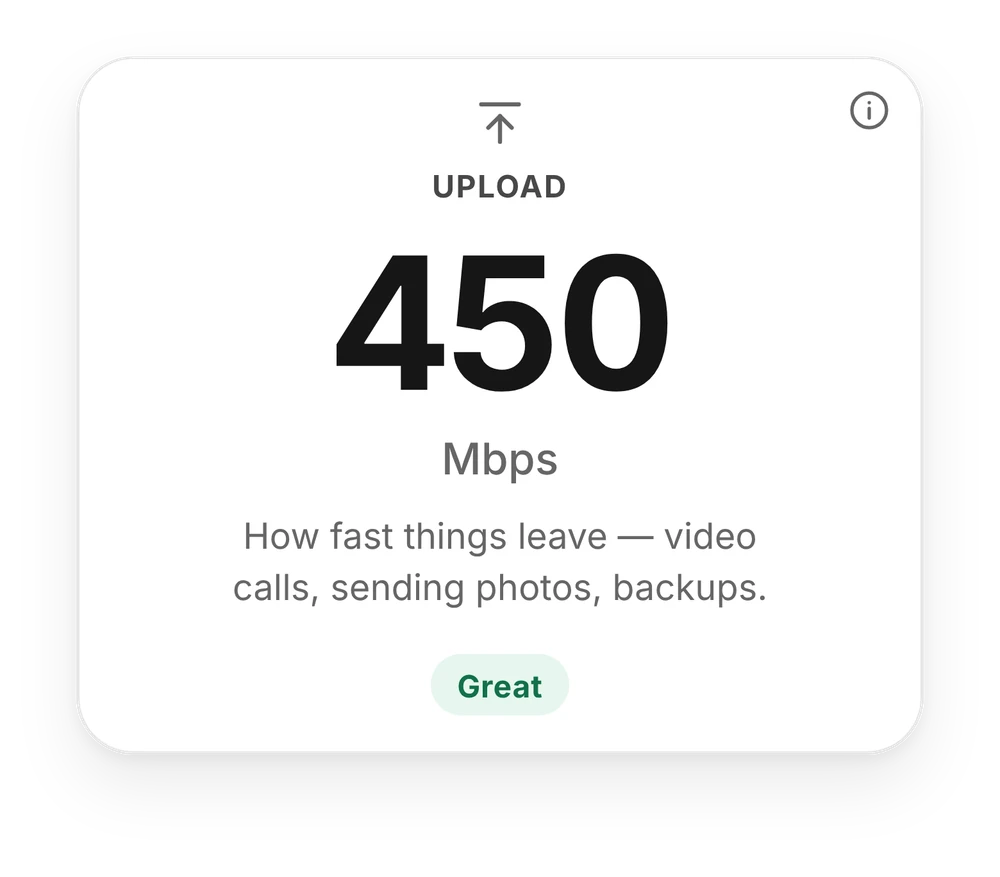
How fast data leaves you — video calls, sending photos and cloud backups.
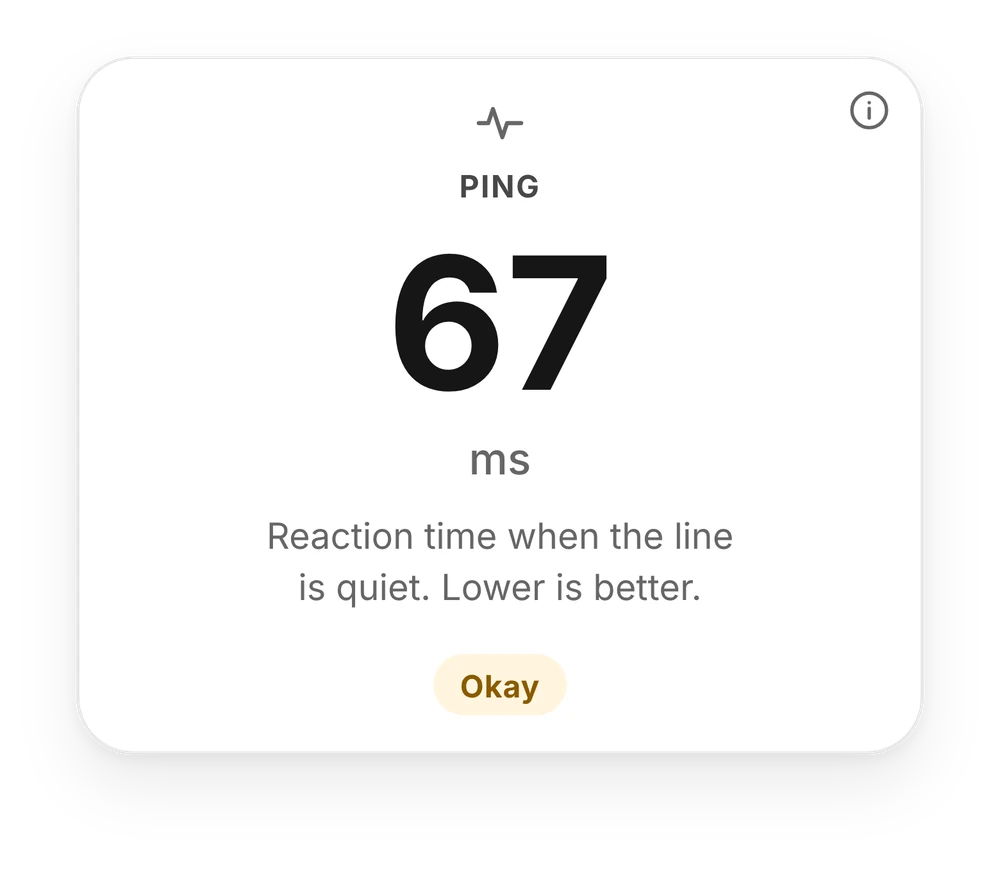
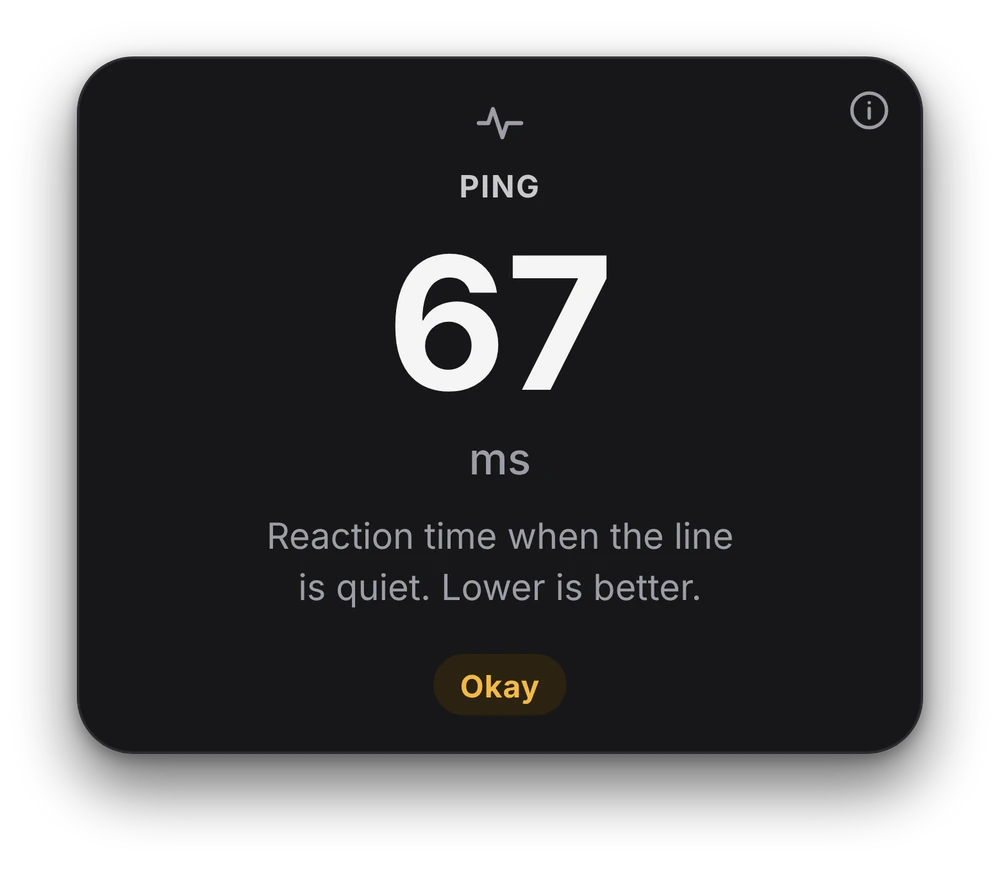
Your connection’s reaction time when the line is quiet. Lower is better.
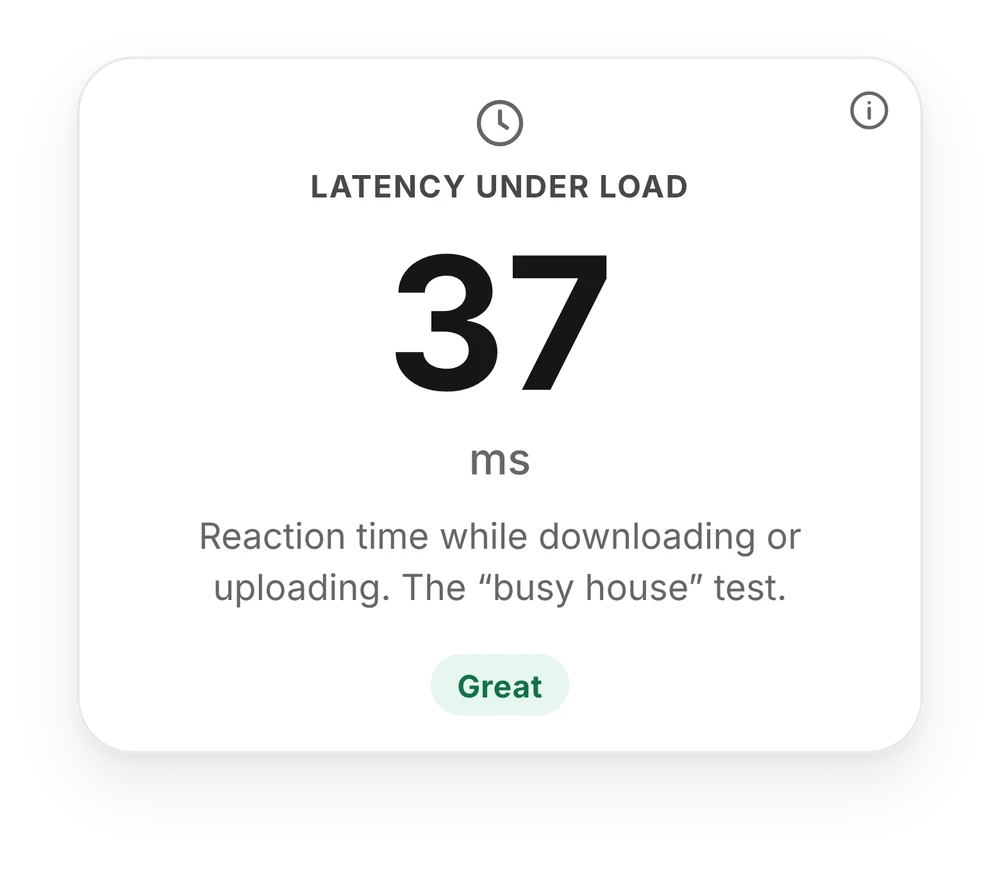
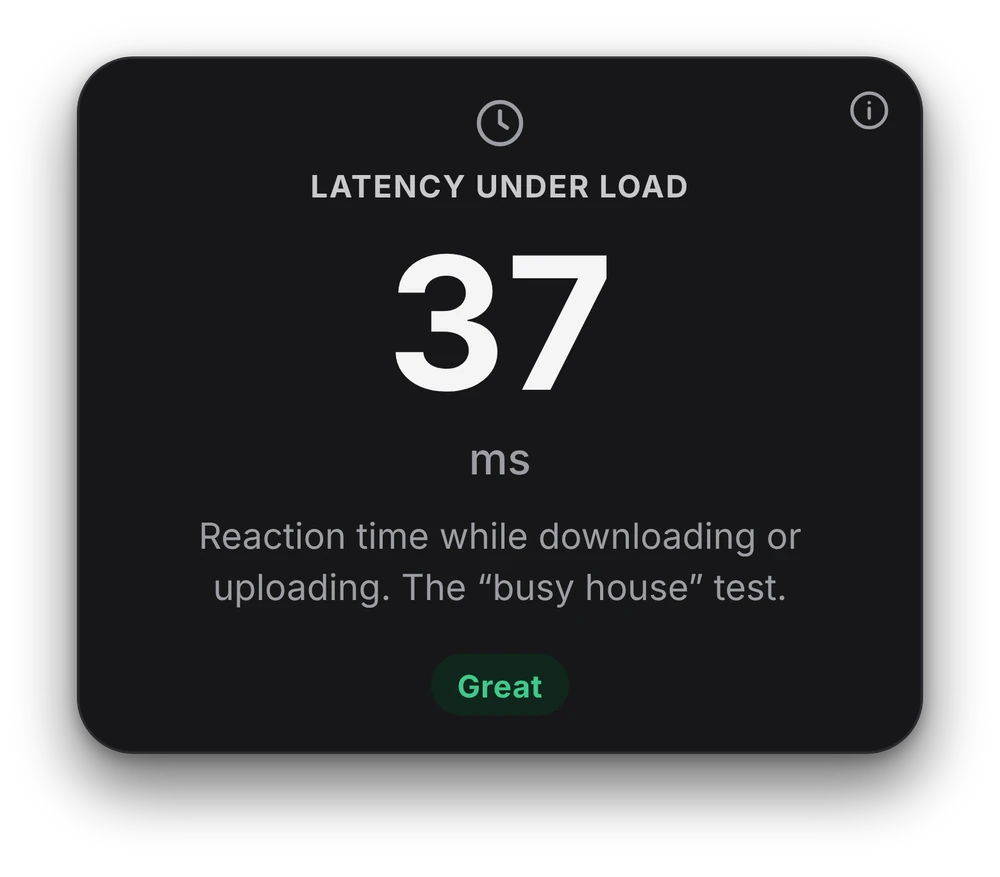
Reaction time while the line is busy. A big jump over your ping means bufferbloat.
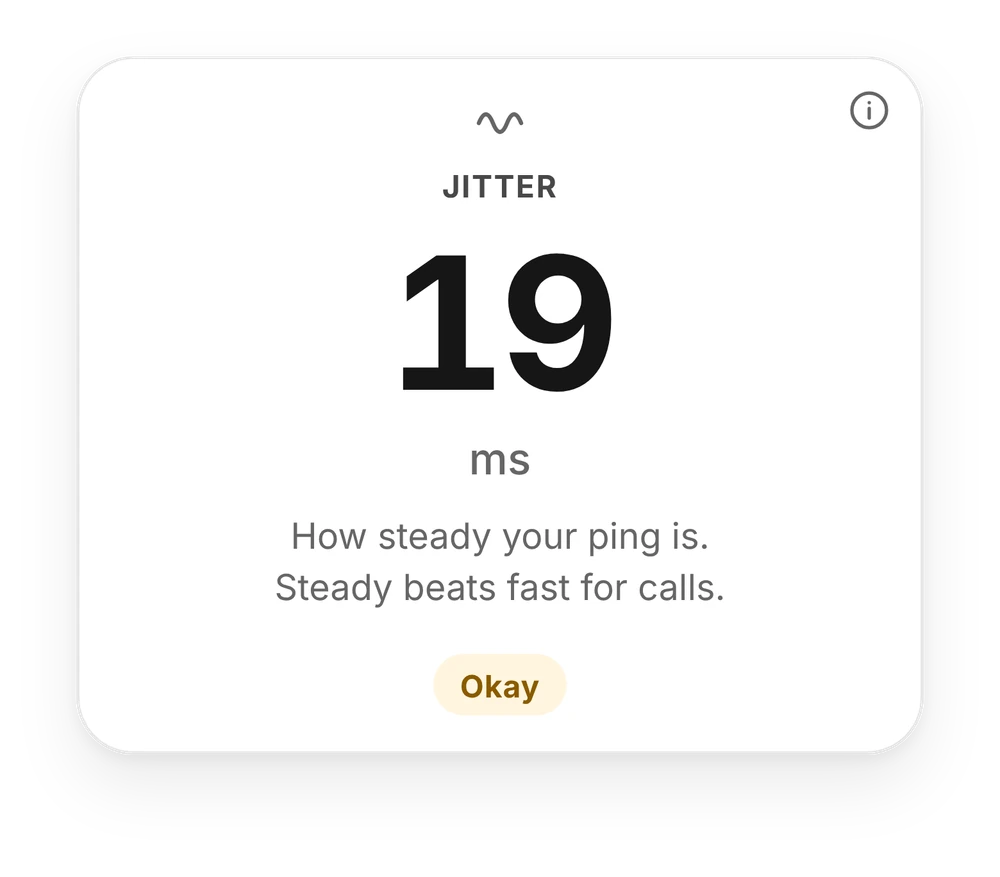
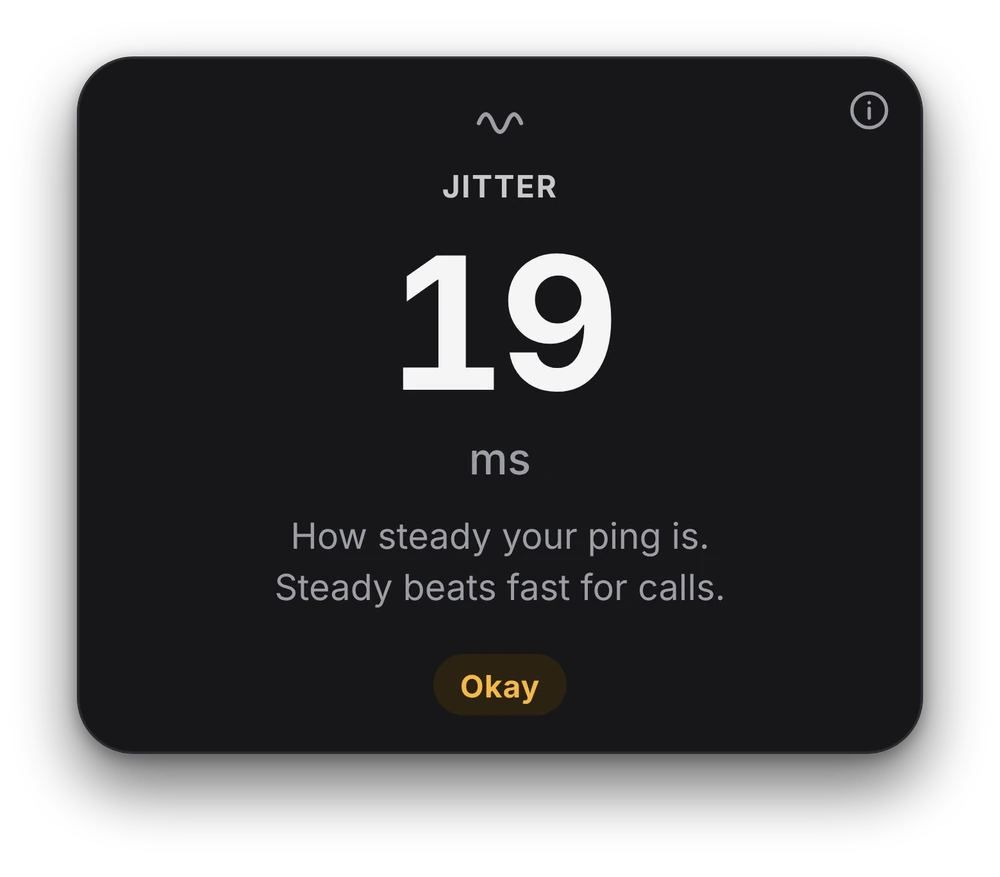
How steady your ping is. Calls and games need steady even more than fast.
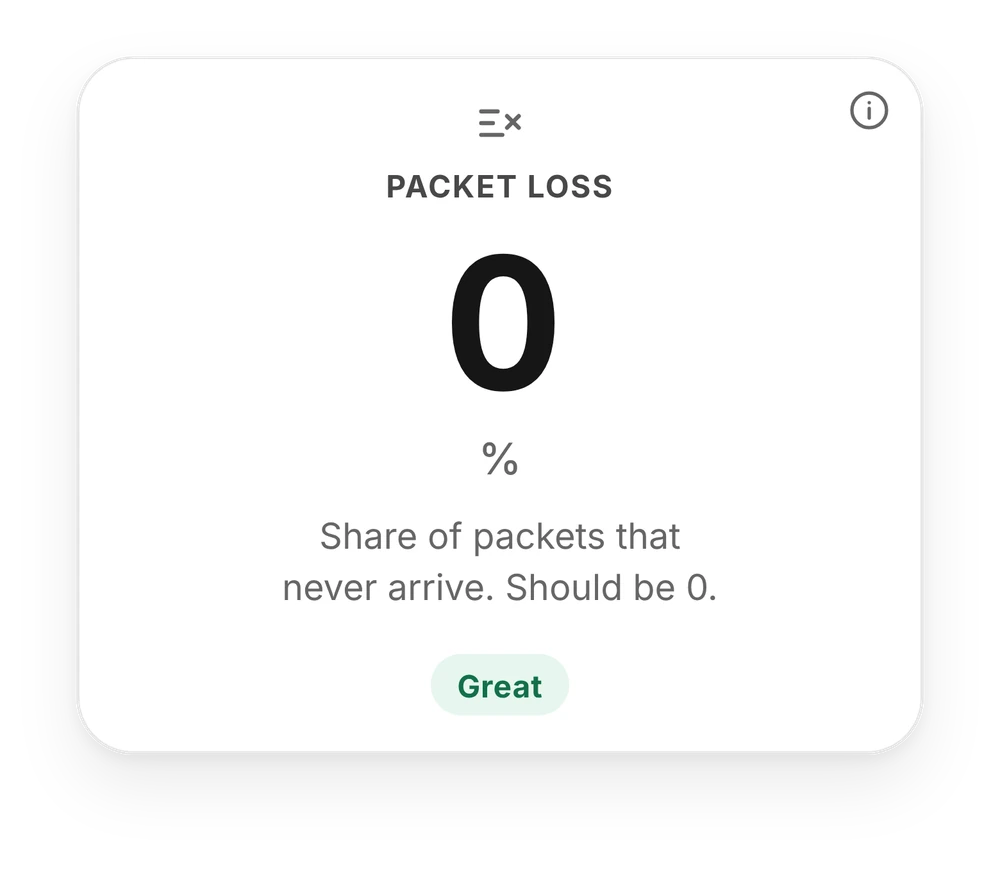
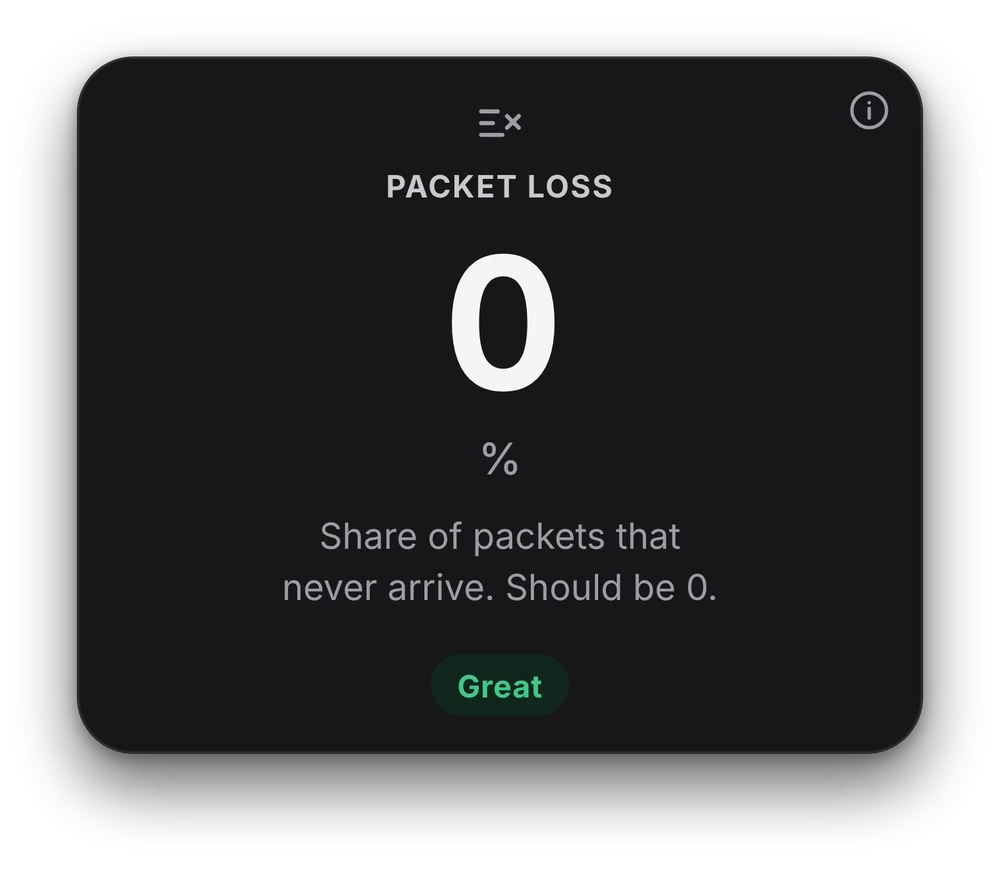
The share of data that never arrives. A healthy line sits at 0%.
The same method and the same servers Cloudflare uses for its own speed test — just a friendlier screen in front of it.
Your browser connects to Cloudflare’s network, which routes you to the closest of its 300+ data centres — usually in your own city.
Twenty tiny requests measure the round-trip time and how much it varies (jitter).
Files ramp up from 100 KB to 100 MB+ until each takes about a second. We keep pinging in the background to measure latency under load.
1,000 packets go through a Cloudflare relay and we count how many come back. Then you get a plain-English verdict.
A good internet speed tester measures six things: download speed (how fast data reaches you), upload speed (how fast it leaves), ping (your connection’s reaction time when idle), latency under load (the same reaction time while the line is busy), jitter (how steady your ping is) and packet loss (the share of data that never arrives). Fastiar measures all six in about 20 seconds and explains each one in plain English. Full methodology →
Fastiar is free and needs no account, no sign-up and no download. Open the page, press Start test and read your six results about 20 seconds later.
It uses Cloudflare’s open-source measurement engine against Cloudflare’s own edge servers, so the server is almost never the bottleneck. We report the 90th percentile of many samples for speed and the median for latency — the same statistics Cloudflare uses.
Ping under 20 ms feels instant and under 50 ms is good for gaming. Jitter under 5 ms is excellent, while above 30 ms calls can sound robotic or freeze. Packet loss should be 0%; anything above 1% is worth investigating. Ping, latency and jitter explained →
Latency under load is your ping measured while the line is busy downloading or uploading. If it rises far above your idle ping, your router is queueing packets (bufferbloat), which is why video calls glitch and games lag when someone else starts streaming. Why fast lines feel slow →
Plans are sold as "up to" speeds and Wi-Fi almost always loses some. Test with a cable if you can, close other apps and devices, and run the test twice. If you are still far below your plan, that is worth a call to your provider. Read more →
Roughly: 25 Mbps for one 4K stream, 5 Mbps upload for an HD video call, ping under 50 ms for gaming. Stability (jitter and packet loss) matters as much as raw speed. Full guide →
About 20 seconds on most connections. The test downloads and uploads larger files until each transfer takes around a second, so data use scales with your speed: a few megabytes on a slow line, several hundred on a gigabit connection.
Fastiar does not keep your results or your IP address in any database of its own, and there are no accounts. The test runs entirely in your browser against Cloudflare’s servers. We do use Google Analytics (through Cloudflare Zaraz) to count visits, and Cloudflare keeps standard technical request logs; both are explained on the privacy page. Privacy details →